Resources / INSIGHTS
3D Product Visualization: What It Unlocks for Fashion Brands
Interactive 3D lets shoppers spin, zoom, and inspect products from every angle. Here is what it means for conversion, returns, and brand experience.
By Cynthia, Co-founder · January 2025 · 9 min read
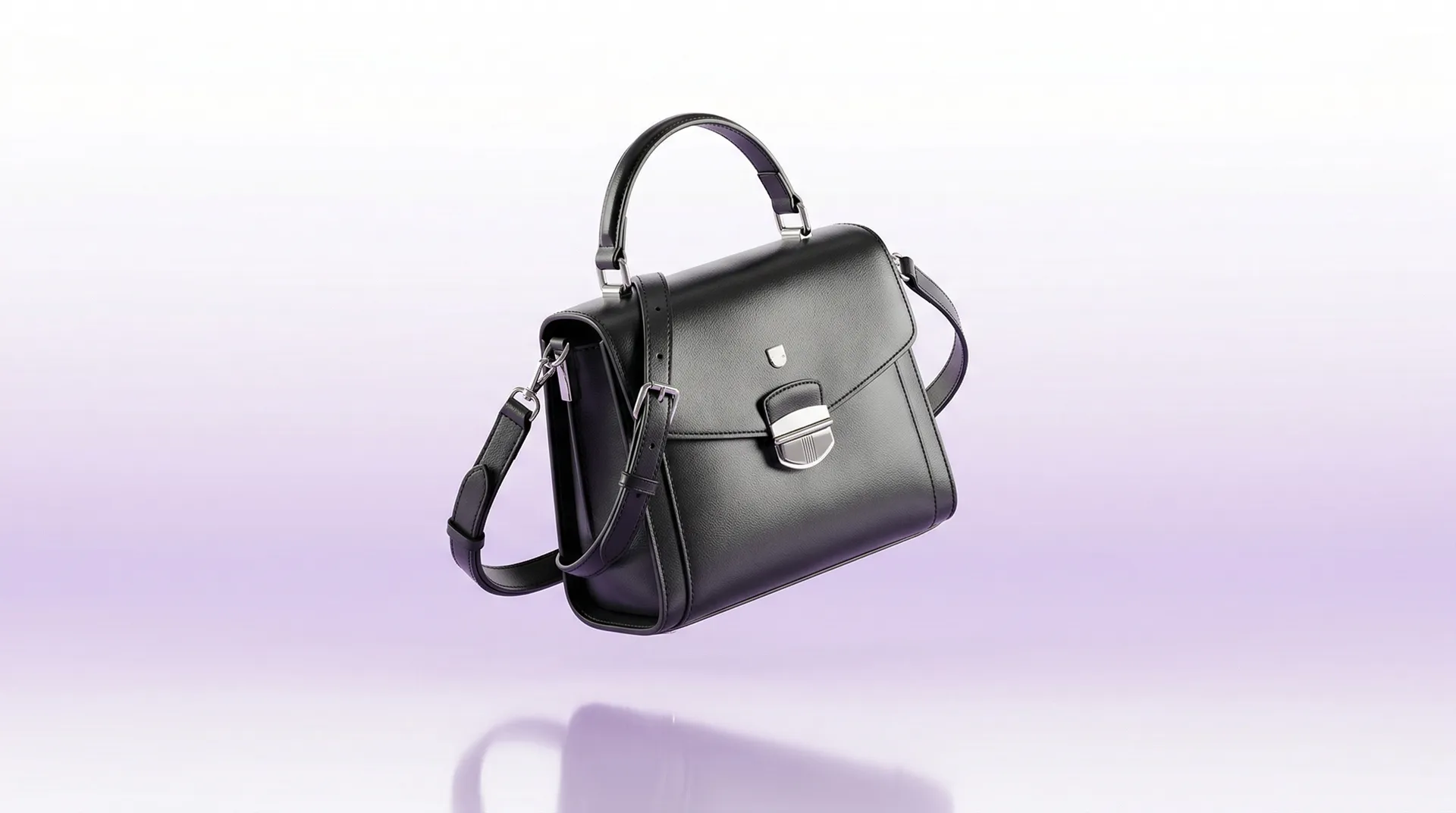
A flat product photo shows one angle, one lighting condition, one context. A 3D model lets customers rotate, zoom, inspect material texture, and explore the product from every angle. Shopify reports that products with 3D or AR media see 94 percent higher conversion rates than those with static images alone (Source: Shopify 2024). For categories like handbags, shoes, and jewelry, where detail and craftsmanship drive the purchase decision, 3D visualization removes the uncertainty that flat photography cannot.
Where 3D Fits in the Shopping Experience
The most common deployment is on the product detail page. Instead of a static image carousel, shoppers get an interactive 3D viewer they can spin, zoom, and manipulate. See an example on The Studio page. But 3D assets are versatile. The same model can power AR try-on on mobile, interactive displays in stores, social media content, and spatial commerce on Vision Pro. One asset, multiple channels.
The Production Pipeline
Creating production-quality 3D assets involves four stages. Scanning or modeling the physical product to capture geometry. Texturing and material application to reproduce fabric, leather, metal, or gemstone surfaces accurately. Lighting and environment setup to ensure the model looks natural in context. And optimization, reducing file size for real-time rendering on web and mobile without sacrificing visual quality. A finished web-ready model is typically 2 to 10 MB depending on complexity.
What You Need to Get Started
For a first 3D visualization project, prepare three to five hero products to start with, physical samples for scanning (or detailed reference photography if samples are unavailable), brand guidelines for visual consistency, and a clear idea of where the 3D content will live. Starting small with hero products lets you validate the approach before scaling to a full catalog.
Cost and Timeline
A typical project from initial scan to deployed experience takes four to eight weeks. The first product takes the longest because it establishes the visual standard. Subsequent products move faster as the pipeline is already set. Per-product costs vary based on complexity (a plain sneaker vs. a detailed beaded evening bag), but the investment is front-loaded. Once you have the 3D asset, deploying it across web, AR, and in-store adds marginal cost.
The Long-Term Play
Brands building 3D asset libraries today are positioning themselves for spatial commerce tomorrow. The same models that power web viewers in 2026 will power Vision Pro showrooms in 2028. The brands that start now will have a catalog of ready-to-deploy assets. The brands that wait will be starting from scratch when the shift happens.
If you are considering a 3D visualization project, The Studio team can scope it with you.