Resources / GUIDES
Getting Started with the Polypo AI Size Recommender on Shopify
Step-by-step guide to installing and configuring the Polypo AI Size Recommender app on your Shopify store. From install to live in under 10 minutes.
By Jenny, Co-founder · March 2026 · 8 min read
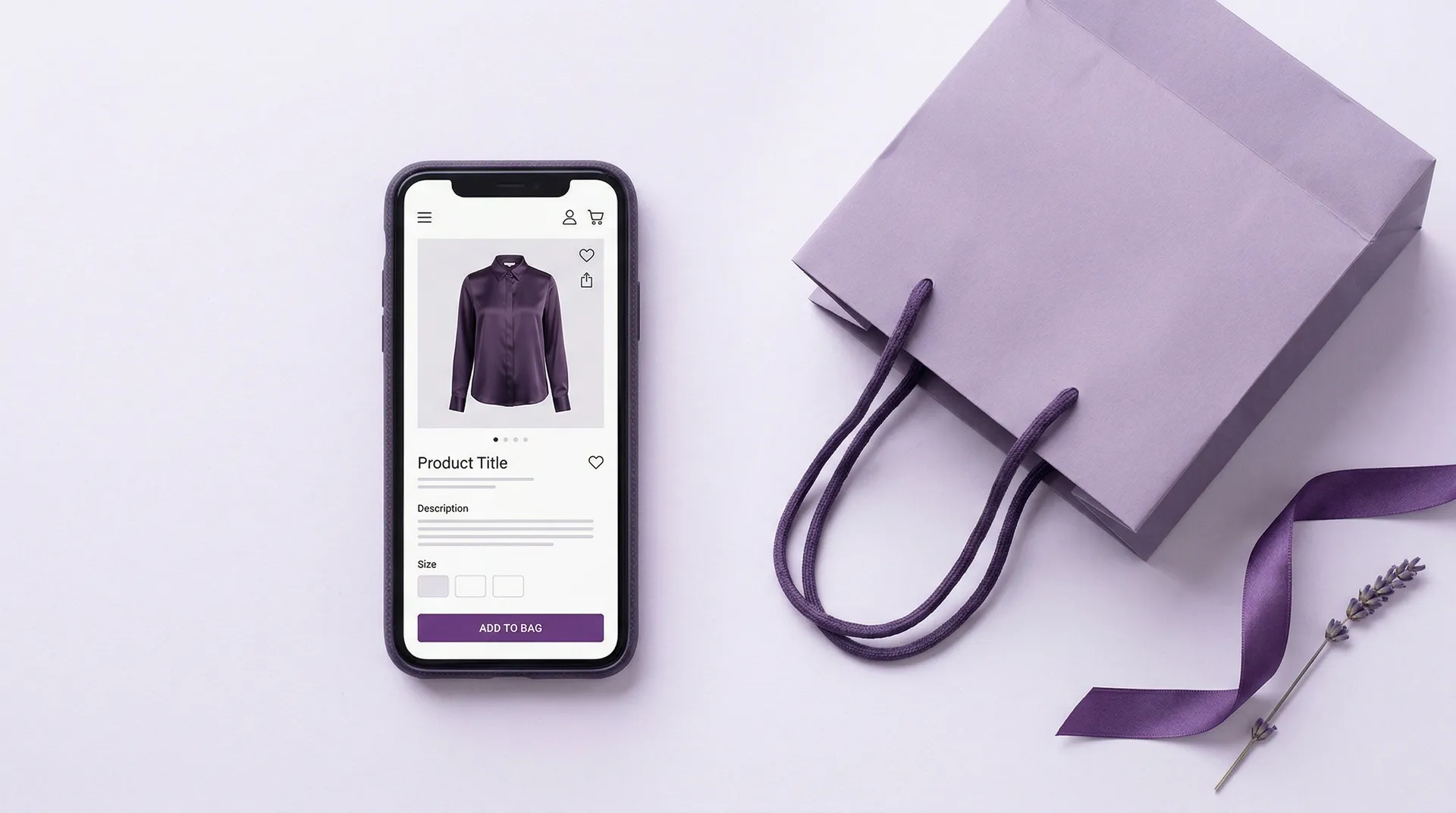
The Polypo AI Size Recommender is available on the Shopify App Store. It gives your shoppers personalized size recommendations based on their body profile, so they buy the right size the first time. This guide walks you through installation, setup, and launch.
What the App Does
When a shopper visits your product page, they can create a digital profile using two photos and basic measurements. The app builds a digital twin avatar of their body and uses that to recommend the right size for each product in your store. The profile is created once and works across your entire catalog. Recommendations appear in a mobile-responsive pop-up directly on the product page.
Step 1: Install from the Shopify App Store
Search for "Polypo AI Size Recommender" in the Shopify App Store, or go directly to the listing. Click Add App and authorize the required permissions. The app needs access to your product catalog, collections, and order history to generate accurate recommendations. Installation takes under two minutes.
Step 2: Set Up Your Products
Once installed, open the Polypo app from your Shopify admin sidebar. Upload your garment measurement data through the dashboard. You can import via CSV, connect through the API, or enter measurements manually. The system maps your data to our sizing model and flags any inconsistencies. If you do not have detailed measurement data yet, Polypo can work from your existing size charts and refine over time.
Step 3: Customize the Widget
Match the recommendation pop-up to your brand. The app supports custom CSS, color and font customization, and unit conversion (cm/inches). Choose how the size recommendation button appears on your product pages and configure the shopper flow. The widget is mobile-responsive out of the box.
Step 4: Test It
Before going live, use the preview mode to test the experience on your product pages. Create a test profile, try different products, and verify the recommendations look right. Check the pop-up on both desktop and mobile to make sure everything renders cleanly in your theme.
Step 5: Go Live
Publish the app to make it visible to all shoppers. From this point, any visitor to your product pages can create their fit profile and receive size recommendations. The setup is a one-time investment for the shopper. Once they have a profile, recommendations appear instantly on every product page they visit.
Pricing
The app offers two plans, both with a 10-day free trial:
Starter ($99/month): Core size recommendations, basic analytics, email support. Good for stores testing the technology.
Pro ($249/month): Advanced analytics, priority support, and deeper customization. Built for brands ready to scale fit intelligence across their full catalog.
Monitoring Performance
The app includes an analytics dashboard that tracks how many shoppers create profiles, which products get the most size recommendation interactions, and how recommendations correlate with purchase behavior. On the Pro plan, you get advanced analytics including return rate tracking and conversion lift measurement. Use this data to understand the impact on your store and identify products that need better measurement data.
What Makes This Different
Most size chart apps show static measurements. Polypo builds a digital twin of each shopper and matches it against your specific product data. The recommendation adapts to each body shape, not just height and weight. That is the difference between a size chart and a fit intelligence platform.
For questions or help with setup, reach out to our team at info@polypo.io. We typically respond within 24 hours.